
X (Twitter) API Object Reference: Tweet and User Fields
Every field on the X API v2 Post and User objects, plus Media, Poll and Place: type, what it holds, the auth it needs, nested keys and enum values.

Every response from the X API v2 is built from a small set of objects: the Post (still called a Tweet in most field names), the User, and the Media, Poll and Place objects that hang off them. This reference lists every field on each, with its type, what it actually contains, the authentication it needs, and the nested keys and enum values that the official one-line descriptions leave out.
Field names, types and descriptions are taken from X's own v2 data dictionary, the fields guide and the expansions guide, read on 30 August 2026.
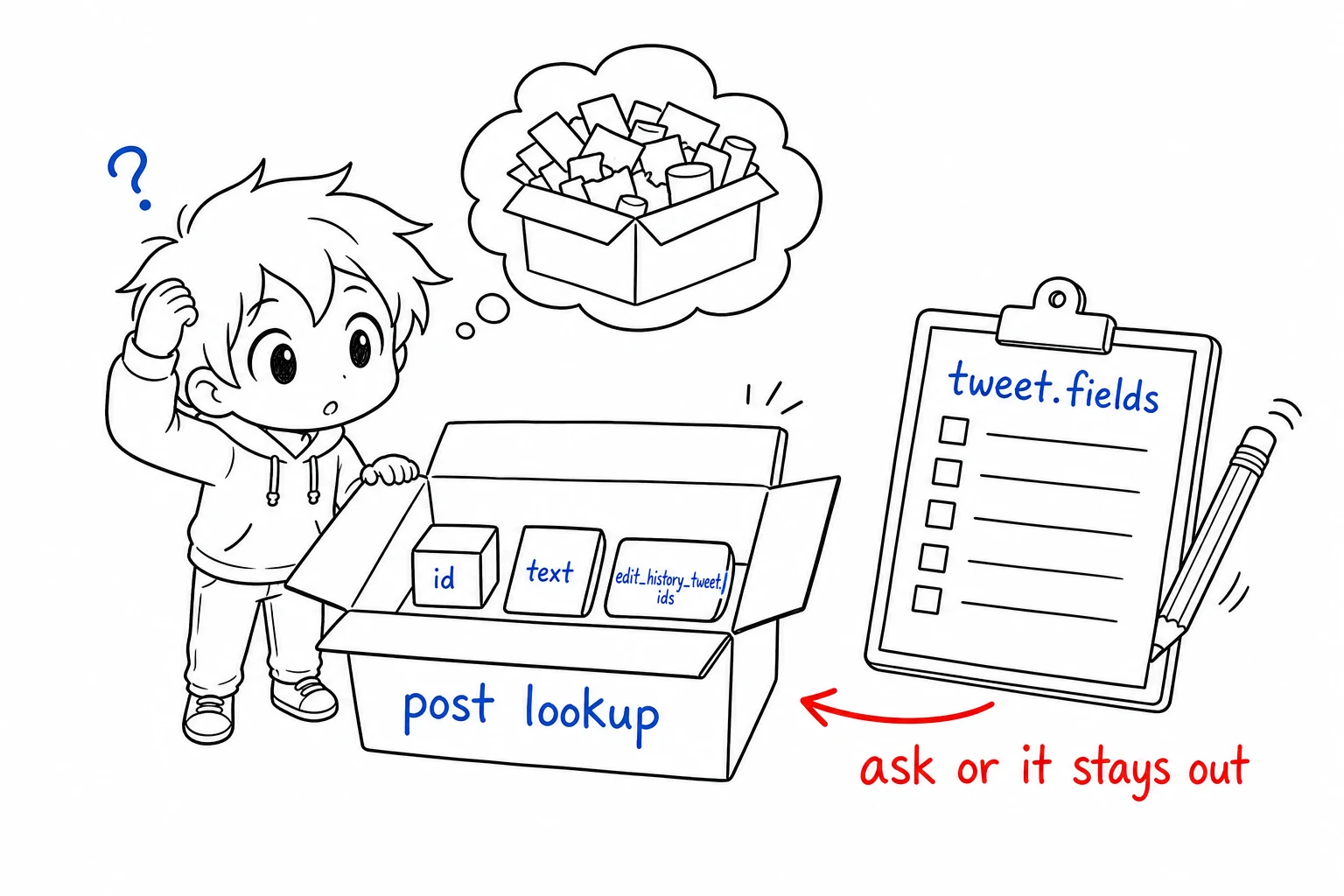
TL;DR: A post lookup returns only
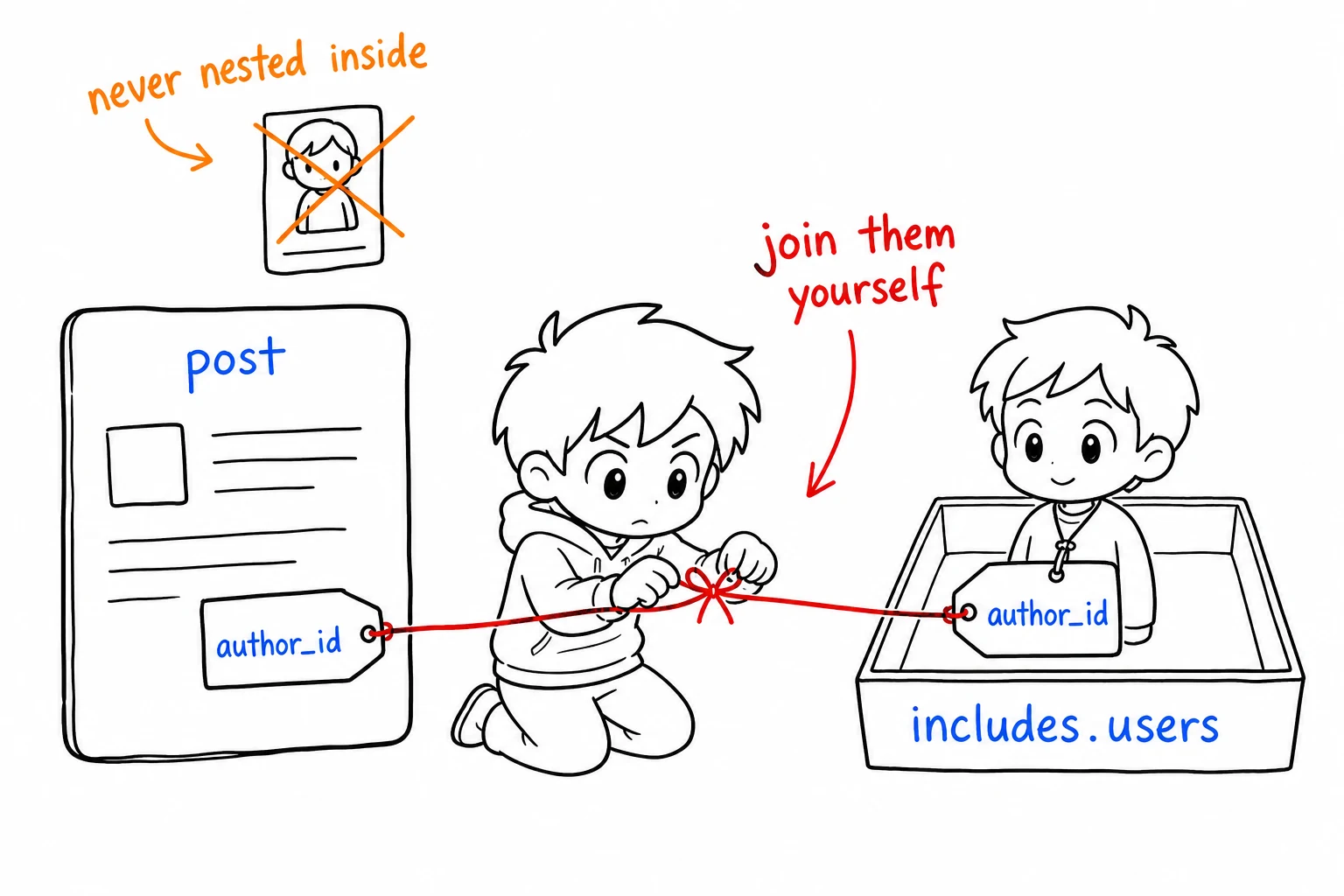
id,textandedit_history_tweet_idsunless you ask for more withtweet.fields. Ids are strings, not numbers, on purpose.public_metricsis readable with app-only auth; thenon_public_metrics,organic_metricsandpromoted_metricsobjects need user context and only work on the authenticated user's own posts. Related objects such as the author or attached media are never nested inside a post; they arrive in a separateincludesblock that you join on id.
What Is the X API Tweet Object?
The X API tweet object, called a Post in X's current vocabulary, is the JSON record v2 returns for a single post. By default it carries three fields. Up to 29 top-level fields are available on request, several of them objects with their own keys, and it links to the author, referenced posts, media, polls and places by id rather than embedding them.
How Fields Work
The v2 API returns a minimal object by default and expects you to opt in to everything else. Each object type has its own query parameter:
| Object | Parameter | Default fields |
|---|---|---|
| Post | tweet.fields |
id, text, edit_history_tweet_ids |
| User | user.fields |
id, name, username |
| Media | media.fields |
media_key, type |
| Poll | poll.fields |
id, options |
| Place | place.fields |
id, full_name |
A request for a post with engagement counts and a timestamp therefore looks like ?tweet.fields=created_at,public_metrics,author_id. Omit the parameter and those keys are simply absent from the response, which is the single most common cause of "the API is not returning X" questions.
Post (Tweet) Object Fields
Auth column: app means readable with an app-only bearer token; user means the request needs user-context OAuth, and for the three private metric objects, the authenticated user must be the post's author.
| Field | Type | Auth | What it holds |
|---|---|---|---|
id |
string | app | Unique post id, serialised as a string. Default field |
text |
string | app | UTF-8 text. Truncated at 280 characters for long posts; see note_tweet. Default field |
edit_history_tweet_ids |
array of strings | app | Every version id of an edited post. One element when never edited. Default field |
author_id |
string | app | Id of the posting user. Expand with author_id to get the User object |
created_at |
string, ISO 8601 | app | Creation time in UTC with millisecond precision, e.g. 2024-01-15T12:00:00.000Z |
conversation_id |
string | app | Id of the root post of the thread this post belongs to |
in_reply_to_user_id |
string | app | Id of the user being replied to, present only on replies |
referenced_tweets |
array of objects | app | Posts this post retweets, quotes or replies to. See nested keys below |
public_metrics |
object | app | Six public counters. See nested keys below |
non_public_metrics |
object | user, own posts | impression_count, user_profile_clicks, url_link_clicks, engagements |
organic_metrics |
object | user, own posts | The engagement counters, restricted to organic delivery |
promoted_metrics |
object | user, own posts | The engagement counters, restricted to promoted delivery |
entities |
object | app | Hashtags, mentions, URLs, cashtags and annotations parsed from text. See nested keys below |
attachments |
object | app | media_keys and poll_ids for attached media and polls |
geo |
object | app | place_id, and coordinates when the post carries an exact point |
context_annotations |
array of objects | app | Domain and entity pairs X has inferred for the post, for topical classification |
lang |
string | app | BCP 47 language code detected by X, or und when undetermined |
possibly_sensitive |
boolean | app | Whether X flags the content as potentially sensitive |
reply_settings |
string | app | Who may reply: everyone, mentioned_users or followers |
edit_controls |
object | app | edits_remaining, is_edit_eligible, editable_until |
note_tweet |
object | app | Full text and entities for posts over 280 characters |
display_text_range |
array of two integers | app | Start and end index of the portion of text shown by default |
withheld |
object | app | copyright, country_codes, scope for content withheld in some countries |
article |
object | app | Metadata for an X Article embedded in the post |
card_uri |
string | app | URI of the link preview card, when present |
community_id |
string | app | Id of the Community the post was published to |
media_metadata |
array of objects | app | Per-attachment metadata such as alt_text |
paid_partnership |
boolean | app | Whether the author disclosed the post as a paid partnership |
scopes |
object | app | Audience scope details. Returned only for promoted posts |
Nested keys inside public_metrics and the private metric objects
| Object | Key | Meaning |
|---|---|---|
public_metrics |
retweet_count |
Reposts, excluding quotes |
public_metrics |
reply_count |
Direct replies |
public_metrics |
like_count |
Likes |
public_metrics |
quote_count |
Quote posts |
public_metrics |
bookmark_count |
Bookmarks |
public_metrics |
impression_count |
Views, the public count shown under the post |
non_public_metrics |
impression_count |
Impressions as measured for the author |
non_public_metrics |
user_profile_clicks |
Clicks through to the author's profile |
non_public_metrics |
url_link_clicks |
Clicks on links in the post |
non_public_metrics |
engagements |
Total engagements of every type |
All metric values are captured at the time of the request. They are not monotonic and not live: two reads seconds apart can differ, and a stored count from last week is not corrected by reading again.
Nested keys inside entities, referenced_tweets, attachments and geo
| Parent | Key | Type | Meaning |
|---|---|---|---|
entities |
hashtags |
array | Each with start, end, tag |
entities |
mentions |
array | Each with start, end, username, id |
entities |
urls |
array | Each with start, end, url (t.co), expanded_url, display_url, and unwound_url where X resolved a further redirect |
entities |
cashtags |
array | Each with start, end, tag |
entities |
annotations |
array | Each with start, end, probability, type, normalized_text |
referenced_tweets[] |
type |
string | retweeted, quoted or replied_to |
referenced_tweets[] |
id |
string | Id of the referenced post |
attachments |
media_keys |
array of strings | Keys that match includes.media[].media_key |
attachments |
poll_ids |
array of strings | Ids that match includes.polls[].id |
geo |
place_id |
string | Id that matches includes.places[].id |
geo |
coordinates |
object | GeoJSON Point with [longitude, latitude], only when the author tagged an exact location |
edit_controls |
edits_remaining |
integer | Edits still allowed |
edit_controls |
is_edit_eligible |
boolean | Whether the post can still be edited at all |
edit_controls |
editable_until |
string, ISO 8601 | Deadline after which no edits are accepted |
withheld |
copyright |
boolean | Withheld for a copyright complaint |
withheld |
country_codes |
array of strings | ISO 3166-1 alpha-2 codes where it is withheld |
withheld |
scope |
string | tweet or user |
entities.urls[].url is always the t.co wrapper. The address a human would recognise is expanded_url, and if X followed a further redirect, unwound_url. Code that indexes links by url ends up with a table of t.co strings.
Start building with GetXAPI
$0.05 per 1,000 tweets. $0.10 free credits. No credit card required.
User Object Fields
| Field | Type | Auth | What it holds |
|---|---|---|---|
id |
string | app | Unique user id, serialised as a string. Default field |
name |
string | app | Display name as set on the profile. Not necessarily a person's name. Default field |
username |
string | app | The handle without the @. Default field |
created_at |
string, ISO 8601 | app | UTC account creation time |
description |
string | app | Profile bio, empty string when unset |
entities |
object | app | Nested url and description objects, each with urls, hashtags, mentions and cashtags arrays |
location |
string | app | Free-text profile location. Not validated, not geocoded |
url |
string | app | Profile website as a t.co link. The real address is in entities.url.urls[].expanded_url |
profile_image_url |
string | app | Avatar URL as shown on the profile |
profile_banner_url |
string | app | Header image URL |
pinned_tweet_id |
string | app | Id of the pinned post. Expand with pinned_tweet_id |
most_recent_tweet_id |
string | app | Id of the user's latest post |
protected |
boolean | app | Whether posts are visible only to approved followers |
public_metrics |
object | app | followers_count, following_count, tweet_count, listed_count |
verified |
boolean | app | Whether the account currently carries any checkmark |
verified_type |
string | app | blue, business or government |
verified_followers_count |
string | app | Number of verified followers, serialised as a string |
is_identity_verified |
boolean | app | Whether the account completed ID verification |
parody |
boolean | app | Whether the account carries the Parody label |
affiliation |
object | app | Details of an affiliate badge, when present |
withheld |
object | app | Same shape as on the post: copyright, country_codes, scope |
connection_status |
array of strings | user | Relationship between the authenticated user and this user. See values below |
receives_your_dm |
boolean | user | Whether this user will accept a DM from the authenticated user |
subscription |
object | user | Whether this user subscribes to the authenticated user |
subscription_type |
string | user, self only | None, Basic, Premium or PremiumPlus. Always None for any user other than the authenticated one |
confirmed_email |
string | user, self only | Confirmed email of the authenticated user |
Enum values on the user object
| Field | Values |
|---|---|
verified_type |
blue, business, government |
connection_status[] |
following, followed_by, follow_request_sent, follow_request_received, blocking, muting |
subscription_type |
None, Basic, Premium, PremiumPlus |
Media, Poll and Place Objects
These never appear at the top level. They arrive in includes.media, includes.polls and includes.places when the matching expansion is requested, and you join them to the post on media_key, poll id or place id.
Media
| Field | Type | What it holds |
|---|---|---|
media_key |
string | Unique key, e.g. 13_1263145212760805376. Default field |
type |
string | photo, video or animated_gif. Default field |
url |
string | Direct file URL. Returned for photos |
preview_image_url |
string | Static placeholder image for videos and GIFs |
variants |
array of objects | Playback renditions for video and GIF, each with bit_rate, content_type and url |
duration_ms |
integer | Video length in milliseconds. Video only |
height |
integer | Pixel height |
width |
integer | Pixel width |
alt_text |
string | Accessibility description, up to 1,000 characters |
public_metrics |
object | view_count for video |
non_public_metrics |
object | Quartile playback counts. User context, own posts |
organic_metrics |
object | Playback counts in organic delivery. User context, own posts |
promoted_metrics |
object | Playback counts in promoted delivery. User context, own posts |
A video's downloadable file is never in url. It is one of the entries in variants, usually the highest bit_rate with content_type of video/mp4.
Poll
| Field | Type | What it holds |
|---|---|---|
id |
string | Poll id. Default field |
options |
array of objects | Each with position, label, votes. Default field |
duration_minutes |
integer | Total poll length |
end_datetime |
string, ISO 8601 | When voting closes or closed |
voting_status |
string | open or closed |
Place
| Field | Type | What it holds |
|---|---|---|
id |
string | Place id. Default field |
full_name |
string | Long-form name, e.g. Manhattan, NY. Default field |
name |
string | Short name |
place_type |
string | Granularity such as city, admin, country, poi |
country |
string | Full country name |
country_code |
string | ISO 3166-1 alpha-2 code |
contained_within |
array of strings | Ids of larger places that contain this one |
geo |
object | GeoJSON Feature with a bbox bounding box |
Expansions: Pulling Related Objects Into the Same Response
An expansion asks X to include the object behind an id field. The post keeps the id; the object lands in includes.
| Expansion | Adds to includes |
Joins on |
|---|---|---|
author_id |
users |
post.author_id = user.id |
referenced_tweets.id |
tweets |
post.referenced_tweets[].id = tweet.id |
referenced_tweets.id.author_id |
users |
authors of those referenced posts |
in_reply_to_user_id |
users |
post.in_reply_to_user_id = user.id |
attachments.media_keys |
media |
post.attachments.media_keys[] = media.media_key |
attachments.poll_ids |
polls |
post.attachments.poll_ids[] = poll.id |
geo.place_id |
places |
post.geo.place_id = place.id |
entities.mentions.username |
users |
post.entities.mentions[].username = user.username |
edit_history_tweet_ids |
tweets |
previous versions of an edited post |
pinned_tweet_id (user lookups) |
tweets |
user.pinned_tweet_id = tweet.id |
Expansions and fields compose. expansions=author_id&user.fields=public_metrics returns the author in includes.users with follower counts; without the user.fields part the included user carries only id, name and username.
The cheapest Twitter API. Try it free.
$0.05 per 1,000 tweets. $0.10 free credits. No credit card required.
The Fields Most Code Gets Wrong
| Mistake | What actually happens | Fix |
|---|---|---|
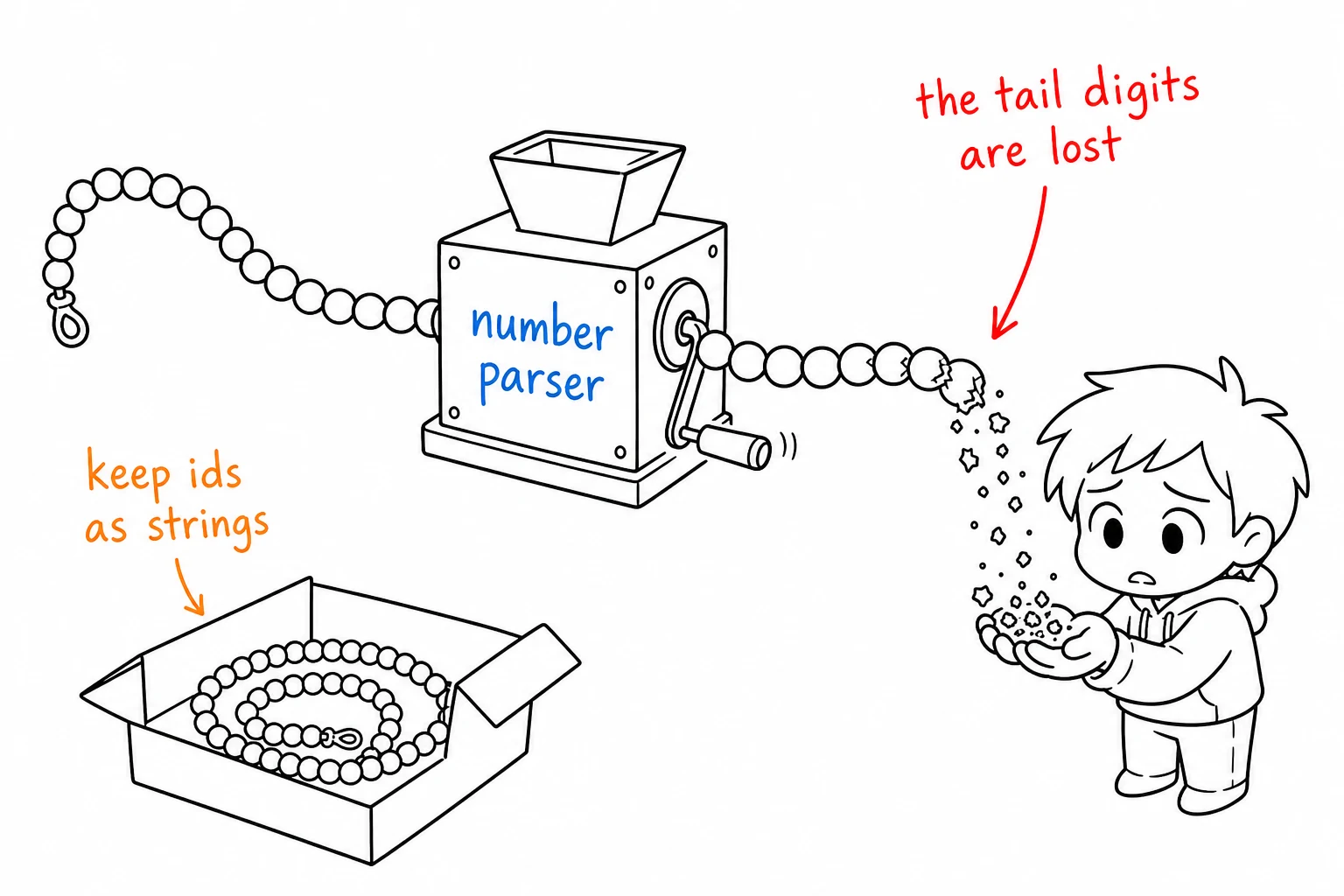
Parsing id as a number |
Ids exceed 2^53, so JavaScript and any double-based parser corrupt the low digits silently | Keep ids as strings end to end |
Reading text for long posts |
text is cut at 280 characters |
Prefer note_tweet.text when note_tweet is present |
Treating verified: true as notability |
Since paid verification, blue subscribers return verified: true |
Branch on verified_type |
Using entities.urls[].url |
It is the t.co wrapper, not the destination |
Use expanded_url, or unwound_url if present |
Counting retweet_count as reposts plus quotes |
Quotes are counted separately in quote_count |
Sum both if you want total amplification |
Distinguishing a retweet from a quote by text |
Both carry text; the reliable signal is referenced_tweets[].type |
Check for retweeted versus quoted |
Expecting created_at without asking |
It is not a default field | Add created_at to tweet.fields |
Storing public_metrics as truth |
They are point-in-time and can decrease | Store the request timestamp alongside every count |
Reading user.url as the website |
It is a t.co link |
Use entities.url.urls[0].expanded_url |
| Looking for the author inside the post | The User object is never nested | Request expansions=author_id and join on id |
How These Fields Map on a Managed API
A managed provider that returns denormalised responses removes the fields-and-expansions step: the author, counts and media arrive inline on every post, with no tweet.fields, expansions or includes join to write. The vocabulary shifts to camelCase, so the mapping is worth having in one place. On GetXAPI, the correspondence for the fields most pipelines depend on is:
| X API v2 field | GetXAPI field | Note |
|---|---|---|
id |
id |
String in both |
text |
text |
Full text, no 280 cut |
created_at |
createdAt |
|
lang |
lang |
|
conversation_id |
conversationId |
|
in_reply_to_user_id |
inReplyToUserId |
Plus inReplyToId for the parent post and isReply |
public_metrics.like_count |
likeCount |
|
public_metrics.retweet_count |
retweetCount |
|
public_metrics.reply_count |
replyCount |
|
public_metrics.quote_count |
quoteCount |
|
public_metrics.bookmark_count |
bookmarkCount |
|
public_metrics.impression_count |
viewCount |
|
author_id + includes.users[] |
author |
The User object inline, no expansion |
referenced_tweets[type=quoted] + includes.tweets[] |
quoted_tweet |
Inline |
attachments.media_keys + includes.media[] |
media |
Inline |
user.username |
userName |
|
user.public_metrics.followers_count |
followers |
|
user.public_metrics.following_count |
following |
|
user.public_metrics.tweet_count |
statusesCount |
|
user.verified |
isVerified |
Legacy checkmark |
user.verified_type = blue |
isBlueVerified |
Boolean rather than enum |
user.verified_type |
verifiedType |
|
user.profile_image_url |
profilePicture |
|
user.profile_banner_url |
coverPicture |
The shape is documented per endpoint in the GetXAPI API reference, for example tweet detail and user info. Reads are billed per call at $0.001, with a standard call returning about 20 posts, and there is no developer account or approval step before the first request.
Related Reading
- X API error codes reference, what comes back when a request fails instead of returning these objects
- Twitter advanced search operators, the query side that produces these objects in bulk
- Twitter API rate limits, how many of these responses you can pull per window
- Python Twitter API tutorial, parsing these fields in practice
Frequently Asked Questions
Three: id, text and edit_history_tweet_ids. Everything else, including created_at, author_id and public_metrics, has to be requested explicitly with the tweet.fields parameter. A lookup that omits tweet.fields returns exactly those three keys and nothing more.
Tweet and user ids are 64-bit integers that exceed the 53-bit safe integer range of JavaScript and of any JSON parser that decodes numbers as doubles. X serialises them as strings so they survive the round trip. Parse them as strings and compare them as strings; converting to a float silently corrupts the low digits.
Ask for the expansion. author_id on the post is only an id; adding expansions=author_id makes X return the matching User object in a separate includes.users array, keyed by that id. The user is not nested inside the post, so your code has to join the two arrays on the id.
Six counters: retweet_count, reply_count, like_count, quote_count, bookmark_count and impression_count. They are point-in-time values captured when the request was served, not live counters, so two requests seconds apart can disagree. Everything in public_metrics is readable with app-only auth.
verified is a boolean that says whether the account currently carries a checkmark of any kind. verified_type says which kind: blue for an X Premium subscriber, business for an organisation, government for a state account. Since paid verification launched, verified: true no longer implies the legacy notability check, so code that treats it as a trust signal needs verified_type as well.
Check out similar blogs
More guides on the Twitter/X API, scraping, and pricing.

How to See Comments on X (Twitter), Including Hidden Replies
How to see comments on X (Twitter): open the post, sort the replies, find hidden replies and quote posts, and read comments without an account. Checked on X.

How Many People Use X (Twitter)? User Statistics
How many people use X: about 550 million monthly users across X and Grok, 64.7 million in the EU, 21% of US adults. Every figure sourced, plus our own sample.

Classify 10,000 Tweets with Jev and the X API: Real Costs
We pulled 10,000 live tweets and classified every one with Jev, TypeSafe's new decision model. Real cost, latency, agreement rates, failure cases and the full script.

How to Search Tweets by Hashtag with the X API
Tested X API hashtag queries: how the # operator differs from a plain keyword, combining hashtags, Top versus Latest, filters that work, and cursor pagination.

X (Twitter) Webhooks: Setup, the CRC Check and Limits
How X delivers real-time events over webhooks, what the Challenge-Response Check actually asks for, the requirements that silently reject a URL, and the per-tier limits.

X (Twitter) API Error Codes: Reference and Retry Rules
X API status codes, error type URIs and the numeric codes behind them, with the cause and the fix for each, plus the partial-error case that returns HTTP 200.

Twitter API 403 Forbidden and 401 Unauthorized: Every Cause and Fix
Why the X API returns 403 Forbidden or 401 Unauthorized, how to tell the two apart, and a fix for each cause. Covers tier gating, app permissions, OAuth, and X error codes.

The Best Twitter (X) API Alternatives in 2026, Compared
The best Twitter / X API alternatives in 2026, ranked and compared: managed pay-per-call APIs, web-data marketplaces, and open-source libraries, with real per-1,000-tweet costs.
Featured in
Where GetXAPI's data and pricing get cited.

The hidden line item in your AI side project: X data
Indie Hackers post on the often-overlooked cost of X data for AI side projects, citing GetXAPI as the usage-based way to pull live Twitter data without a five-figure X developer contract.

How Companies Are Learning to Read Market Mood in Real Time
Editorial feature on Big News Network examining how companies read market mood from X in real time, citing GetXAPI as the usage-based Twitter API that prices live social listening by the call instead of a five-figure annual contract.

How Companies Are Learning to Read Market Mood in Real Time
Syndicated feature on Business Newswire on how companies read market mood from X in real time, citing GetXAPI as the usage-based Twitter API that prices live social listening by the call.

Working with Twitter/X Data: A Practical Skill for IT Students and Professionals in 2026
Guide on SIIT (Scholars International Institute of Technology) on collecting live Twitter/X data as a practical developer skill, citing GetXAPI as the per-call Twitter data API that makes it affordable without an X developer account.

Adding Twitter/X Data to Your App in 2026: A Developer's Integration Guide
Developer integration guide on Programming Insider covering how to add live Twitter/X data to an app in 2026, comparing the official X API v2 with a key-based REST approach and citing GetXAPI as the low-cost per-call option with no developer-account approval.

6 Twitter/X Scraping Solutions for Every Budget
Roundup on TechBullion of the leading Twitter/X scraping solutions, ranking GetXAPI first as the cheapest option at $0.001 per call (about $0.05 per 1,000 tweets) with clean JSON output and no monthly minimum.

The Data Bill Behind Every Social Analytics Tool
Editorial piece on SpeakRJ examining the underlying data costs behind social analytics tools, citing GetXAPI as the usage-based way to source live X data by the call.

What Is AI Sentiment Analysis, and What Does Each Layer Cost?
Explainer in AI Journal breaking sentiment analysis into its data, model and reporting layers and what each costs to run, citing GetXAPI for pulling public X posts on pay-per-call pricing.

Why Enterprise AI Agents Still Cannot Read Social Data
Analysis piece in The Silicon Review on why enterprise agents reach internal systems easily but struggle with public social data, citing GetXAPI's MCP server and data-as-a-service model as one route to close the gap.